Edit products directly in SQARP
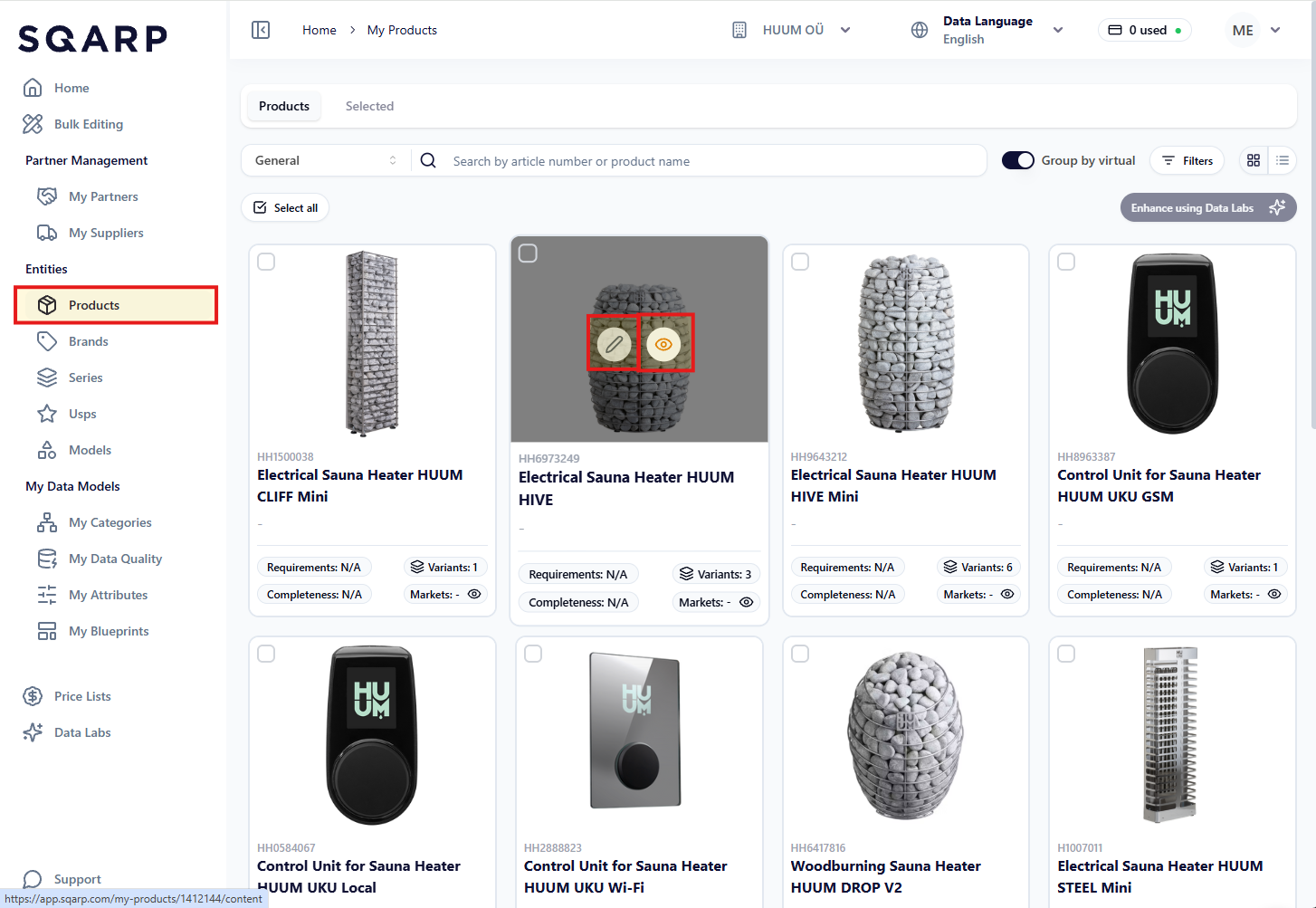
You can review and edit your products directly in SQARP. Go to Products in the side menu, and go to a product page. You can see the product pages in preview-mode (click on the eye symbol), or in edit-mode (click on the pen symbol).
When in edit-mode, you can add and change information to your products.
Virtual
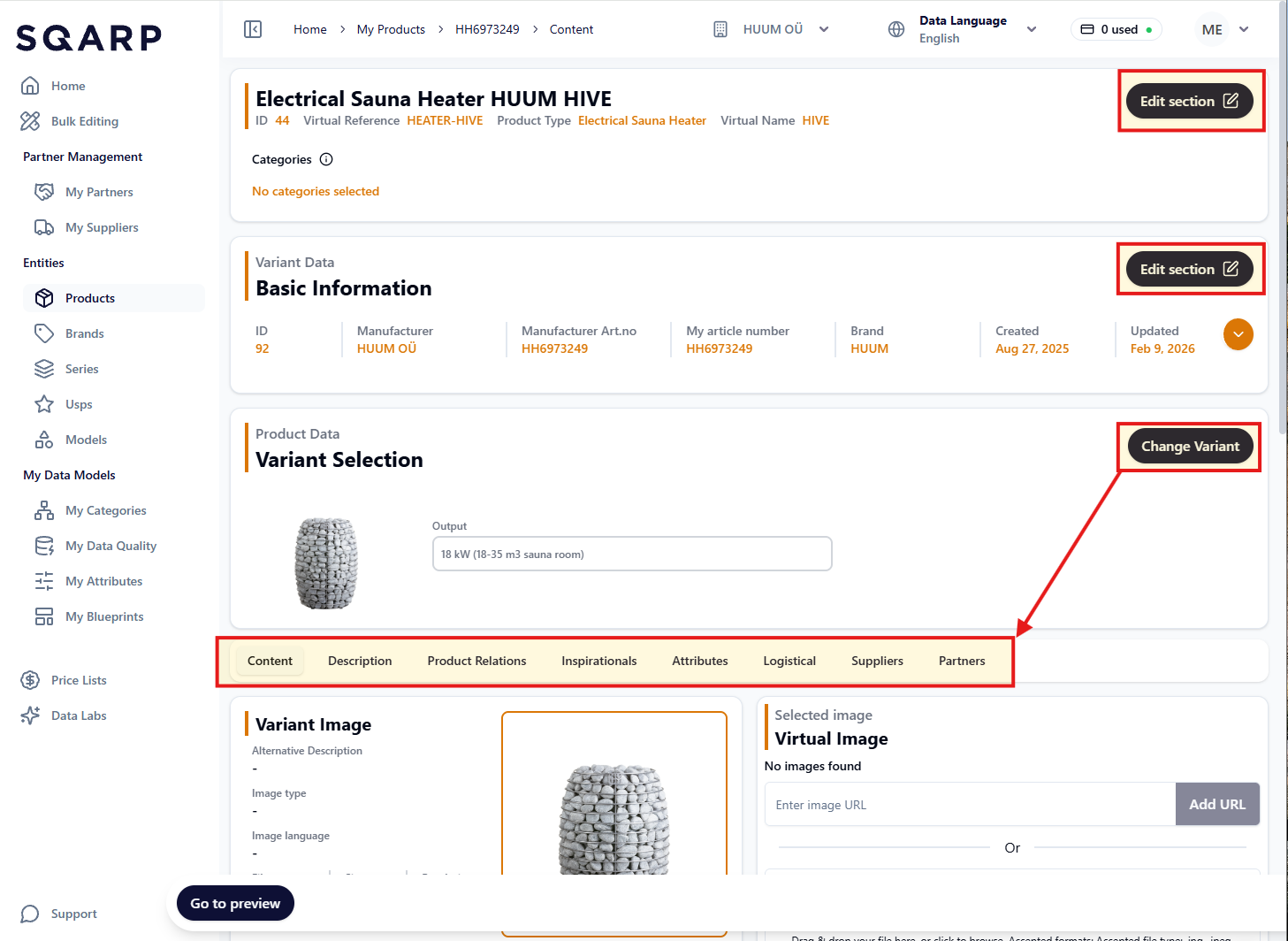
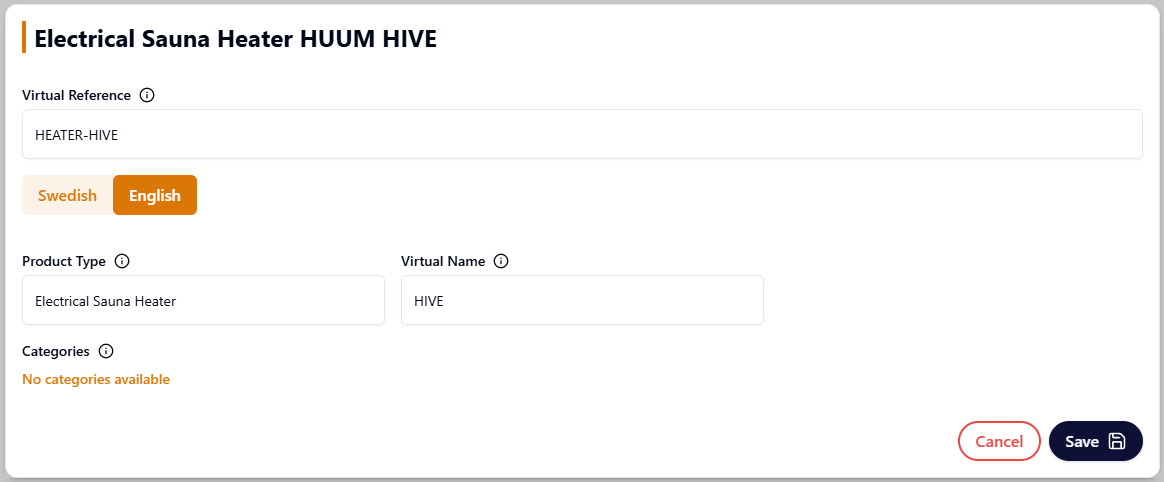
Highest up on the product page you can open a modal to edit the information common for all products (variants) that are located on this virtual (product page). Click Edit section to change:
- Virtual reference
- Product type (Part of the title)
- Virtual name (Part of the title)
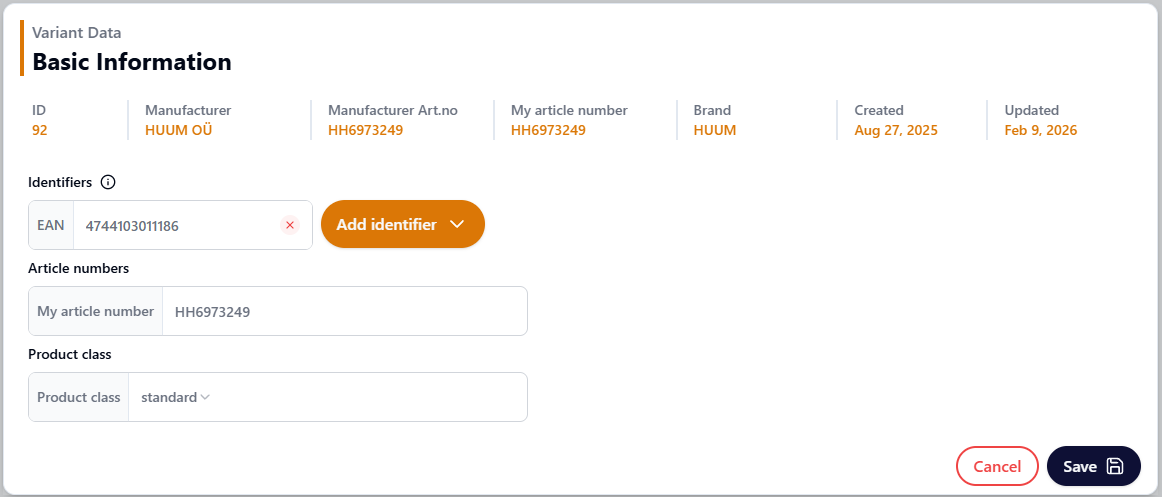
Variant Data
In the second box you can edit Variant Data (data connected to each product variant). To toggle between different variants, click on Change variant. Click Edit section to change:
- Article number
- Product class
- Identifiers (EAN, etc)
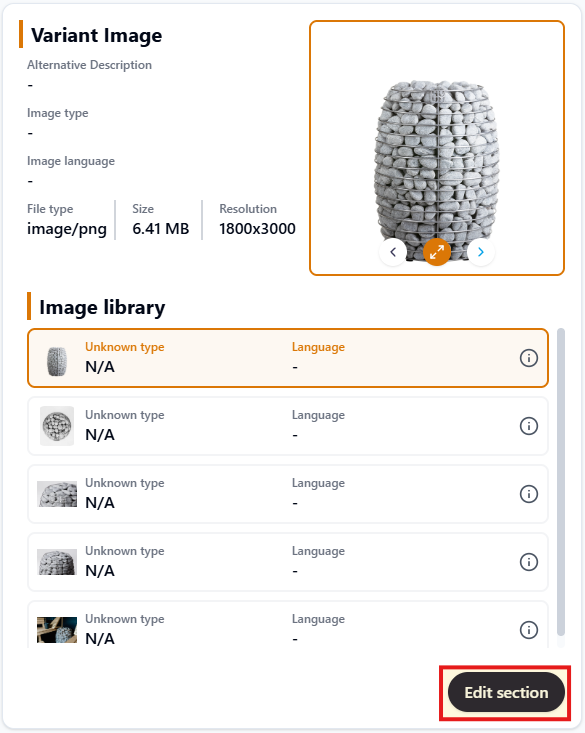
Content
Update or change order on your images, documents or videos by clicking Edit section.
You can upload content on the variant (product) or virtual (product page). If content is located on the virtual, it will be shown for all variants. The Bulk Editing Basic Template contains content on the variant.
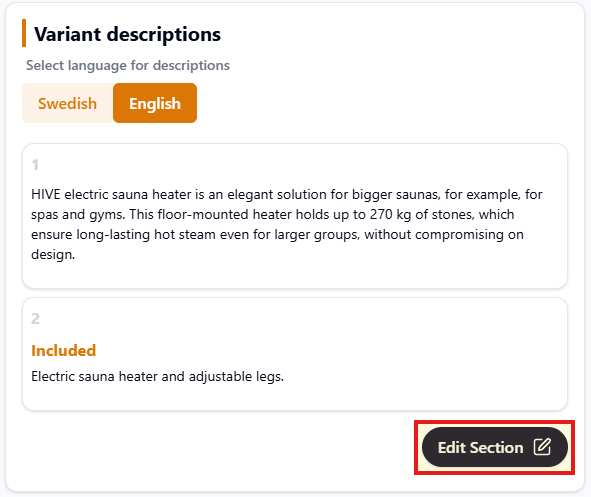
Description
Update or change order on your descriptions by clicking Edit section.
You can upload descriptions on the variant (product) or virtual (product page). If descriptions are located on the virtual, it will be shown for all variants. The Bulk Editing Basic Template contains descriptions on the variant.
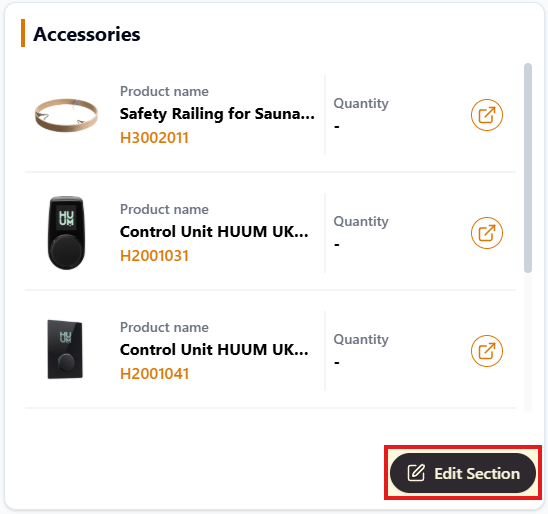
Product Relations
Add or remove your product relations by clicking Edit section. Accessories and Spare Parts are available in the Bulk Editing Basic Template. Here you can also add Addons, Components and Replaces.
Inspirationals
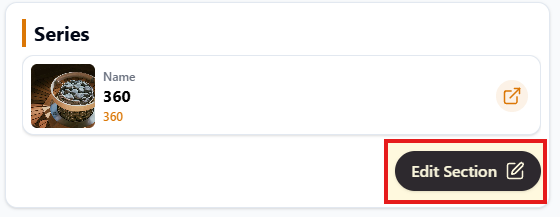
Add or remove your product's connection to a Brand / Model / Series / USP by clicking Edit section. A product can be connected to several Models / Series / USPs but only one (1) Brand.
Attributes
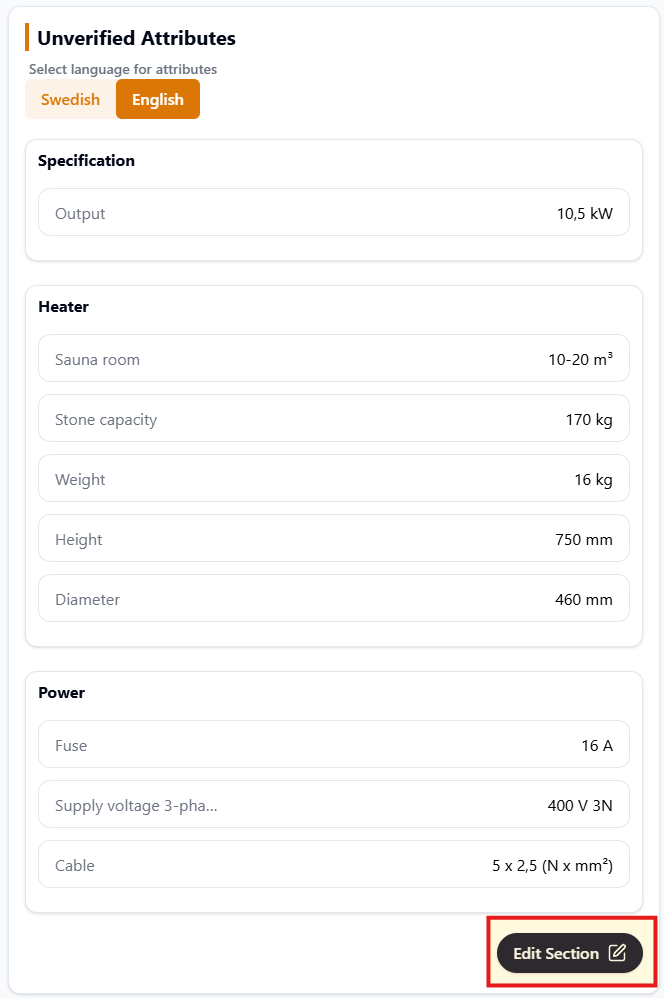
Add or remove product attributes (unverified attributes) by clicking Edit section. You can structure attributes under different headers.
Logistical
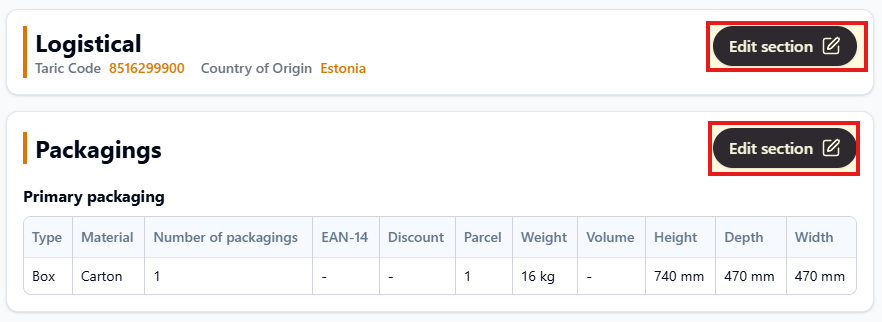
This section contains information about:
- Taric Code
- Country of Origin
- Packaging information (dimensions, weights, type, material)
Suppliers
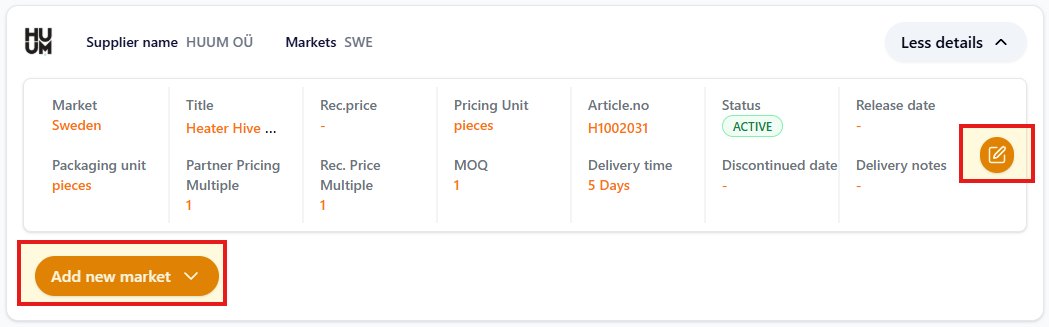
Edit the market specific information or add information for a new market:
- Supplier product title
- Recommended retail price
- Pricing unit and packaging unit
- Status
- Delivery time