
FAQ: How do I add recommended retail prices to a new market?
First step - add a new market to your account (skip this step if you already added the new market)
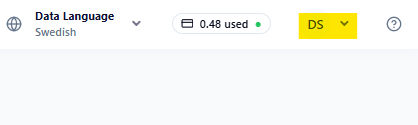
1. Go to 'Prefences' by pressing your initials in the upper right corner
2. Search for your market and press Add Market. You can now choose this market when downloading Bulk Editing Templates and setting up Partners in different markets.

Second step - Download a Basic Bulk Editing Template
- Go to 'Bulk Editing' in the menu to the left
- Choose what products you want to improve, inspirationals (NONE), language and your new market
- Add the recommended prices and currency to each product in the template
- Save and upload your template
If you need to refresh your memory in how to fill in the Basic Bulk Editing Template, see video below: